Quick answer
| Best term | Both “moving text” and “scrolling text” are commonly used and mean the same core idea here: script text advancing on screen while you speak. |
| Best tool | A browser teleprompter with large type, speed control, and no login friction. |
| Best for | News delivery, spoken delivery, and fewer retakes. |
What “moving text” and “scrolling text” mean
News delivery depends on accuracy under pressure. Moving text makes it possible to read precise wording while still sounding composed and direct. That matters in both traditional studio environments and modern one-person newsroom setups.
People search for both “moving text” and “scrolling text,” but in practice they are usually looking for a teleprompter-style reading experience. The text moves at a controlled speed so you do not need to keep manually finding the next line while speaking.
Best use cases
The strongest use cases for news delivery usually look like this:
- Broadcast anchor scripts and recorded bulletin delivery
- Video explainers, online news summaries, and rundown intros
- Reporter standups, live reads, and newsroom update segments
| Situation | Why scrolling text helps |
|---|---|
| Opening lines | Gets you started cleanly instead of improvising and losing confidence. |
| Transitions | Keeps the flow smooth between sections, segments, or scenes. |
| Exact wording | Useful for names, numbers, sponsor mentions, or key phrases that need precision. |
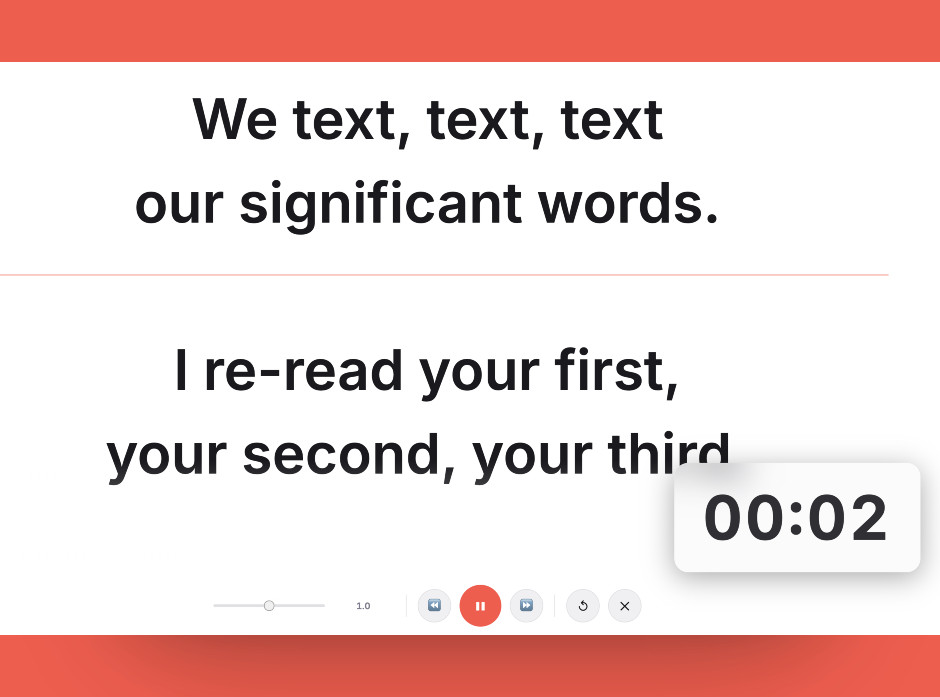
This is the kind of teleprompter layout that works well for news delivery: oversized text, clear spacing, and enough visual contrast to read quickly.
How to set it up
A professional news setup uses proper teleprompter glass, but the core principle is the same in smaller operations: keep the script close to the camera, use clean formatting, and set a speed that matches spoken cadence rather than the written page.
In most cases, you do not need expensive gear to get started. A browser-based teleprompter, a clean script, and a sensible screen position usually get you most of the benefit right away.
Best practices
What usually works best
- Write short sentences that can be spoken cleanly in one breath.
- Separate names, titles, and figures so they do not blur together.
- Mark tone changes between headlines, transitions, and softer stories.
It is also worth testing the first thirty seconds out loud before using the full script. That quick rehearsal usually reveals whether the font is too small, the speed is too fast, or the wording still sounds too written.
Try moving text with a free online teleprompter
Open ScriptScroller in your browser, paste your script, adjust the speed, and start reading with cleaner pacing and fewer mistakes.
Frequently asked questions
Why is scrolling text associated with news so often?
Can small media teams use moving text too?
What makes news scripts teleprompter-friendly?
Why this page exists
- Users often search for both “moving text” and “scrolling text” when they actually need a teleprompter workflow.
- ScriptScroller is a browser-based way to test that workflow quickly without installing dedicated software.