Quick answer
| Best fit | Direct-to-camera coaching, webinars, internal video, and remote presenting |
| Typical cost | Free — this is a configuration problem, not a purchase |
| What matters most | Distance between the webcam and the active reading line |
| Skip it if | You have moved to an external camera, where the screen is no longer near the lens |
What this setup is really for
Webcam prompting has one advantage over every other setup on this site: the camera and the display are already in the same place. You are not trying to get a script near a lens across the room. You are trying to shave a few degrees off an angle that is already small. That means the wins are cheap and the ceiling is high.
The thing that gives webcam reading away is not vertical scroll — it is horizontal sweep. Viewers barely register eyes moving down a line, but they immediately register eyes tracking left to right and snapping back. That is why line width matters more than font size, more than scroll speed, and more than anything you could buy.
The second factor is the reading zone. Text that sits directly under the webcam reads as eye contact. The same text 400 pixels lower reads as someone consulting notes. Since you control where the window sits, this is entirely free to fix, and it is the first thing to adjust if a test recording looks off.
Where it fits — and where it does not
Works well for
- Coaching, consulting, and client calls delivered straight to camera
- Webinar hosting where you need structure but must not look scripted
- Internal announcements and team updates recorded at a desk
- Course and training video recorded on the webcam you already own
Struggles with
- Wide reading columns, which produce visible side-to-side eye movement
- Scripts parked at the bottom of the screen, far below the lens
- Cheap webcams with a narrow field of view that force you to sit further back than is comfortable for reading
What to check before you buy
| Reading line position | Immediately below the webcam — treat vertical distance as the metric to minimise |
| Line width | Roughly 40 to 55 characters; this matters more than font size |
| Font size | Comfortable at your seated distance without leaning forward |
| Scroll speed | Set against a spoken read, not a silent one |
| Camera height | At or just above eye level, which is also more flattering than shooting upward |
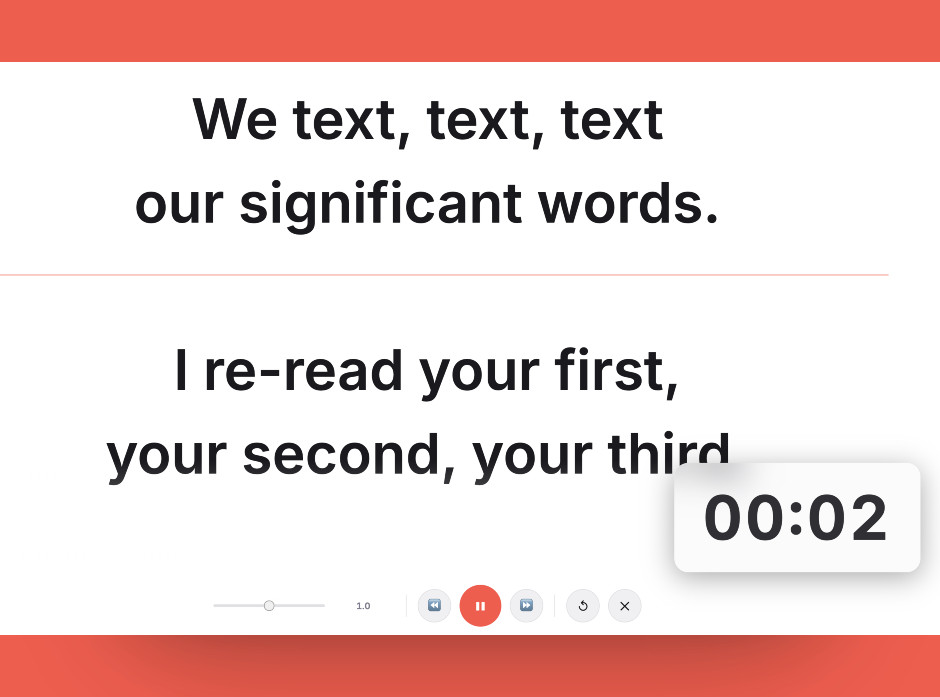
A narrow reading column sitting just below the lens is what sells eye contact — and it costs nothing to set up.
Setting it up
- Put the webcam at eye height
Raise the monitor or the camera until the lens is level with your eyes. Shooting up your nose is unflattering and it also widens the angle down to your script.
- Park the prompt window under the lens
Move the prompter to sit immediately below the webcam and keep it there. This is the highest-leverage placement decision available.
- Narrow the column hard
Cut the reading column to around 40 to 55 characters. If you only change one thing, change this — horizontal eye movement is what viewers actually notice.
- Size the font for your real seating distance
Sit where you will sit on the call and increase the size until you can read the active line without leaning in. Leaning is visible and it changes your framing.
- Check it on a test recording
Record fifteen seconds, then watch only your eyes. Tracking side to side means the column is still too wide; a persistent downward gaze means the window is too low.
Common mistakes
Large text spread across a wide window is worse than moderate text in a narrow one. Width is what creates the visible sweep.
The further the reading line sits from the lens, the more obviously you are looking away. Move it up under the camera.
Eye line problems are almost invisible from behind the screen and obvious on playback. Fifteen seconds of test footage catches all of them.
Frequently asked questions
How do I stop looking like I am reading on a webcam?
Do I need a beam-splitter rig for webcam work?
Should the font be as large as possible?
Does webcam quality affect teleprompter use?
Where exactly should the prompt window go?
Test the workflow before buying more gear
Open the ScriptScroller browser teleprompter, put it where your script would actually sit, and find out which of these problems you really have.
Open Teleprompter