Quick answer
| Best fit | Livestreaming, repeat recording sessions, and solo operators with no one to run the script |
| Typical cost | Mid — a control surface, if you do not already have one for streaming |
| What matters most | Binding only the few controls you actually reach for during delivery |
| Skip it if | You record short takes and can simply stop and restart between them |
What this setup is really for
The problem a control surface solves is specific: during a take, adjusting the prompter means moving your hand to a mouse or keyboard, and that movement is visible on camera and audible on the microphone. For a recorded take you can just stop and go again. Live, you cannot, which is where physical controls earn their place.
The temptation is to map everything. That is a mistake, because a control surface only helps if you can find the right key without looking. Three or four buttons you know by feel beat fifteen you have to search for, and searching for a button on camera looks exactly like reaching for a mouse.
In practice the controls that matter during delivery are a small set: pause and resume, nudge the speed down when you are running behind the script, and jump back a paragraph when you lose your place. Loading scripts and changing fonts are setup actions and belong on the computer, not on a button you might hit by accident.
Where it fits — and where it does not
Works well for
- Live streaming where stopping to fix the prompter is not an option
- Solo operators with nobody else to drive the script
- Repeat recording sessions where the same adjustments come up constantly
- Setups already running a control surface for scene switching
Struggles with
- Short recorded takes, where stopping and restarting costs nothing
- Over-mapped layouts, where finding the right key takes longer than using a mouse
- Workflows where the prompter has no way to accept external control
What to check before you buy
| Worth binding | Pause and resume, speed down, speed up, jump back one paragraph |
| Not worth binding | Loading scripts, font and colour changes, and anything you do once per session |
| Key count | Three or four you can hit by feel; more than that and you will look down |
| Placement | Within reach without leaning or turning — leaning is visible on camera |
| Alternative | A foot pedal, which frees your hands entirely for pause and resume |
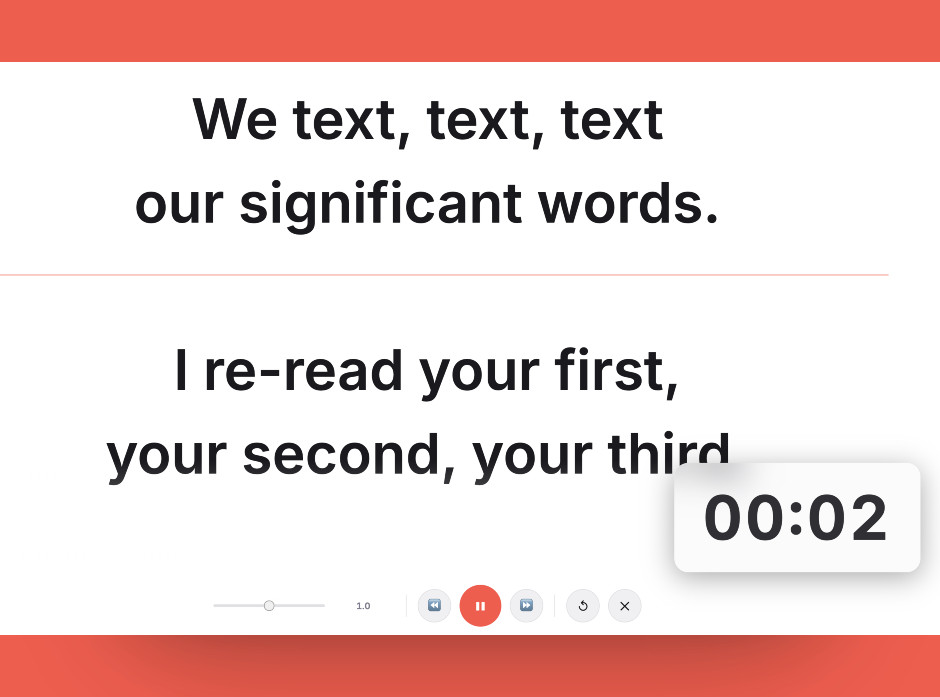
Bind only what you reach for mid-take — pause, speed, and jump back cover almost everything worth having on a physical key.
Setting it up
- Note what you actually reach for
Record a couple of normal sessions and write down every prompter adjustment you make mid-take. Bind those, and nothing else.
- Bind a small set of controls
Pause and resume, speed down, speed up, and jump back a paragraph will cover almost everything. Resist mapping the rest.
- Position the surface within easy reach
It has to be reachable without leaning or turning your head. If using it moves your shoulders, the camera will show it.
- Learn the layout by feel
Practise until you can hit pause without looking. A control you have to look for is no better than a mouse you have to look for.
- Consider a foot pedal for pause
If your hands are busy or visible in frame, a pedal handles start and stop invisibly and pairs well with a small set of hand controls for speed.
Common mistakes
A crowded layout means searching for keys on camera, which defeats the purpose. Keep it to the few you use during delivery.
Anything that reloads or clears the script is a mis-press away from ruining a live segment. Leave those on the computer.
If you have to lean to reach it, the movement is visible and audible. Position it where your hand already rests.
Frequently asked questions
Which teleprompter controls are worth mapping to a Stream Deck?
Is a control surface worth it for recorded video?
Why not map more buttons?
Is a foot pedal better than a control surface?
Will any teleprompter work with a control surface?
Test the workflow before buying more gear
Open the ScriptScroller browser teleprompter, put it where your script would actually sit, and find out which of these problems you really have.
Open Teleprompter