Quick answer
| Best fit | Creator rigs, mobile shoots, and compact studio setups with an external camera |
| Typical cost | Mid-range once you add a beam-splitter rig; free if the iPad simply sits beside the lens |
| What matters most | Tray and hood dimensions matching your exact iPad model |
| Skip it if | You already shoot on a laptop webcam, where the screen is already in roughly the right place |
What this setup is really for
The reason iPads dominate small-studio prompting is brightness. Beam-splitter glass throws away a chunk of the light coming off the display, and an iPad has enough headroom to survive that and stay readable under production lighting. A phone often does not, and a dim laptop panel definitely does not.
The problem is sizing. Teleprompter trays and hoods are cut to specific dimensions, and the gap between a standard iPad and a 12.9-inch iPad Pro is large enough that a rig built for one will not hold the other properly. Listings frequently say "fits iPad" while meaning the smaller models. This is the single most common iPad prompter buying mistake, and it is expensive because it is discovered after delivery.
The second thing to plan is control. Once the iPad is behind glass and inside a hood, you cannot comfortably reach the screen to adjust scroll speed. Decide up front how you will start, stop, and slow the script — a remote, a second device, or a foot pedal — because reaching into the rig mid-take ruins the shot and often knocks the alignment out.
Where it fits — and where it does not
Works well for
- Direct-to-camera work with a mirrorless or DSLR body on a tripod
- Location and travel shoots where the whole rig has to pack down small
- Compact studio corners where a dedicated prompt monitor would be overkill
- Two-person shoots where someone else can drive the script from a second device
Struggles with
- Very long scripts, where scrolling and re-cueing on a sealed-in tablet becomes awkward
- Heavy rigs on light tripods — an iPad plus glass plus hood is more front weight than it looks
- Setups with no remote, where every speed adjustment means reaching into the hood
What to check before you buy
| Model fit | Confirm the tray is cut for your exact iPad, not the family — 11-inch and 12.9-inch are not interchangeable |
| Brightness | Turn auto-brightness off and set a fixed level; auto-dimming mid-take is a common ruined-shot cause |
| Mount | Check the rig's tripod thread and whether it needs a plate you do not own |
| Weight balance | iPad plus glass plus hood sits forward of the tripod head — a light tripod will nose over |
| Control | Plan a remote or second-device control path before the iPad goes behind glass |
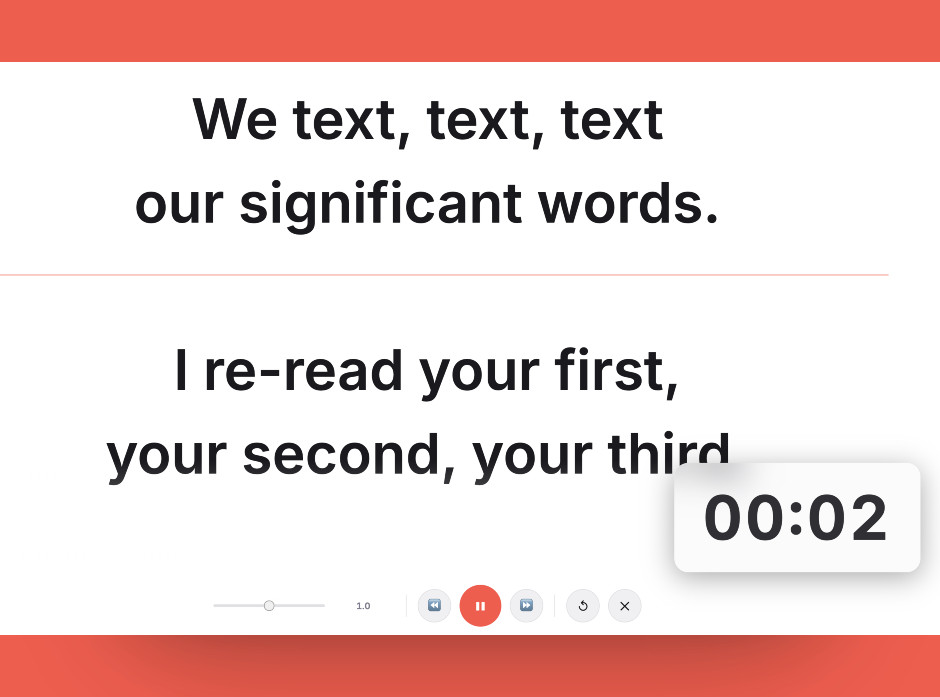
Before ordering a tray, run the script on the iPad exactly where it will sit in the rig and check it is still readable at your speaking distance.
Setting it up
- Measure before you order
Get the exact width and height of your iPad and compare them against the tray dimensions in the listing, not the model names. Model names in prompter listings are unreliable; millimetres are not.
- Lock brightness and disable auto-lock
Set a fixed brightness level, turn off auto-brightness, disable True Tone if the colour shift bothers your camera, and set auto-lock to Never. A tablet that dims or sleeps mid-take is the most common iPad prompter failure.
- Balance the rig on the tripod
Mount everything, then check the tripod head can actually hold the assembly without creeping forward. Move the plate back or add a counterweight before you find out during a take.
- Align the glass to the lens
Set the glass angle so the lens sees through cleanly with no reflected hood edge in frame, then check the corners of your actual framing, not just the centre.
- Set up remote control and rehearse
Get scroll control onto a remote or a second device and run a full paragraph before recording. Confirm you can slow down without touching the rig.
Common mistakes
The 12.9-inch iPad Pro has a substantially larger footprint. Generic iPad trays either will not hold it or will hold it badly enough to slip during a shoot.
iOS will quietly dim the screen behind the glass as the room changes, and the script fades out mid-sentence. Fix the brightness manually.
The full rig hangs in front of the tripod head. On a lightweight travel tripod that is a real tipping risk, especially outdoors.
Frequently asked questions
Will a standard iPad teleprompter fit a 12.9-inch iPad Pro?
Is an iPad better than a phone for teleprompting?
How do I control scrolling once the iPad is inside the rig?
Do I need to mirror the text on an iPad teleprompter?
Can I use an iPad as a teleprompter without a beam-splitter rig?
Test the workflow before buying more gear
Open the ScriptScroller browser teleprompter, put it where your script would actually sit, and find out which of these problems you really have.
Open Teleprompter