Quick answer
| Best fit | Moving camera work that still needs scripted delivery |
| Typical cost | Varies widely; the real cost is payload headroom, not money |
| What matters most | Total payload and how far forward the prompter shifts the centre of gravity |
| Skip it if | The shot could be done on a tripod — which is very often the honest answer |
What this setup is really for
Gimbals work by keeping a balanced payload level. Everything you add has to be balanced again, and anything mounted in front of the lens has an outsized effect because it sits far from the axis of rotation. A teleprompter is exactly that: mass, cantilevered forward, plus a display and its own power.
The result is that gimbal prompting is the most constrained setup covered on this site. You are trading against motor headroom, battery life, arm fatigue, and stabilisation quality all at once. A rig that balances on paper can still drain motors, drift during a move, and become genuinely tiring within a couple of takes.
Before building one, it is worth asking whether the shot needs both the movement and the script. Often the honest answer is no, and the sequence is better shot as a static piece to camera with movement elsewhere. When you genuinely do need both, keep the prompt display as small and as light as the read allows.
Where it fits — and where it does not
Works well for
- Short scripted moving shots where the movement is the point
- Walk-and-talk pieces with brief, well-rehearsed lines
- Two-operator setups where someone else runs the camera and the script
- Larger gimbals with real payload headroom to spare
Struggles with
- Long scripts, where fatigue and battery drain end the take before the script does
- Small gimbals already near their payload limit
- Anything requiring a full beam-splitter box out in front of the lens
What to check before you buy
| Payload headroom | Check the gimbal's rated capacity against the full assembled weight, not just the camera |
| Weight position | Forward-mounted mass costs disproportionately more than mass near the axis |
| Display choice | The smallest display you can still read; a phone before a tablet |
| Battery | Extra load means shorter gimbal runtime — plan spares |
| Take length | Short. Operator fatigue arrives faster than most people expect |
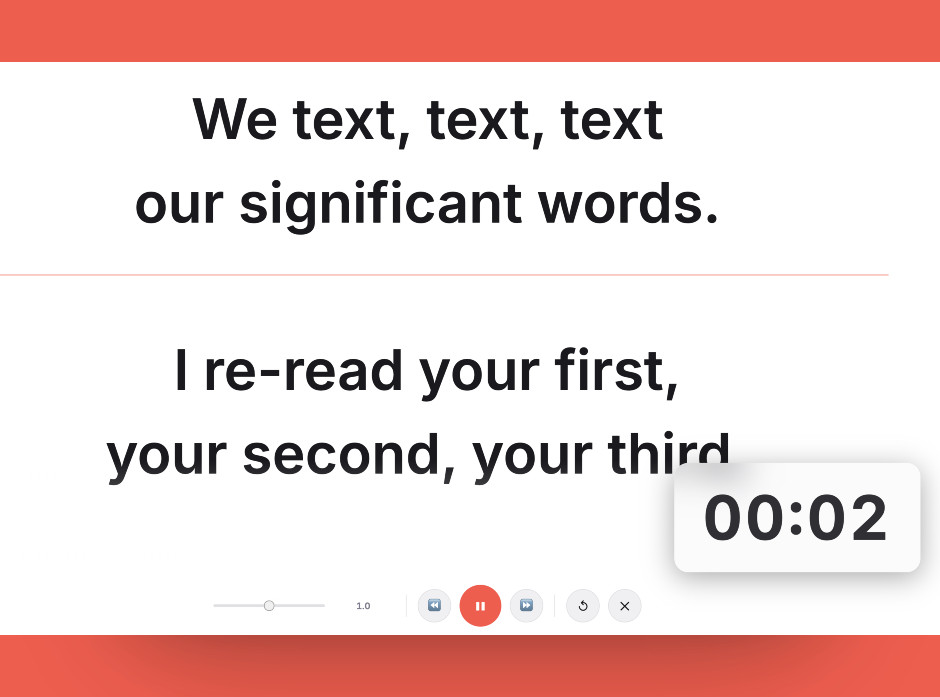
Short, rehearsed lines are what make a moving take achievable; the prompt is a safety net rather than a script to read from.
Setting it up
- Confirm you need movement and a script together
This is the step people skip. If the shot works static, shoot it static and prompt normally. Gimbal prompting should be a deliberate choice, not a default.
- Weigh the whole assembly
Add up camera, lens, mount, display, and any power, then compare against the gimbal's rated payload with margin to spare. Running at the limit degrades stabilisation before it fails outright.
- Balance in stages
Balance the camera alone first, then add the prompt display and rebalance each axis. Trying to balance the whole assembly at once wastes time and rarely lands cleanly.
- Keep lines short and rehearse
Short cue lines, rehearsed before rolling. You cannot afford long takes here, so the script has to be close to memorised with the prompt acting as a safety net.
- Shoot in short takes with rests
Plan cuts and put the rig down between them. Fatigue shows up as drifting framing and rushed delivery well before the operator notices it.
Common mistakes
Forward mass has the largest effect on balance and motor load. Keep the display as close to the camera as the sight line allows.
Stabilisation quality drops well before the rated maximum. Leave headroom or expect visible drift on the move.
Arm fatigue and battery life cap how long a take can be. Long scripts on a gimbal simply do not get finished cleanly.
Frequently asked questions
Can you put a teleprompter on a gimbal?
Why does forward-mounted weight matter so much?
What size display should I use?
How long can a gimbal prompting take realistically run?
Is there a simpler alternative?
Test the workflow before buying more gear
Open the ScriptScroller browser teleprompter, put it where your script would actually sit, and find out which of these problems you really have.
Open Teleprompter