Quick answer
| Best fit | Hybrid offices and home studios where the same desk is used seated and standing |
| Typical cost | Low to mid — a monitor arm, if you do not already have one |
| What matters most | Repeatability: getting back to a known-good position in seconds |
| Skip it if | You always record seated, where a fixed riser is simpler and steadier |
What this setup is really for
Standing desks introduce a variable that other setups do not have: your eye height changes by a substantial amount between sitting and standing, and everything mounted to the desk moves with the surface rather than with you. A camera and prompt display set up perfectly while seated will be pointing at your chest once the desk goes up.
A monitor arm is the usual answer because it decouples the screen from the desk surface, letting you adjust height and angle independently. The important quality in an arm is not reach or range — it is whether it holds position under its load and returns to the same place reliably.
Repeatability is what actually determines whether you keep using the setup. If getting camera-ready takes two minutes of fiddling every time you change posture, you will stop bothering and record from whatever position the desk happens to be in. Marking known-good positions turns that into a few seconds.
Where it fits — and where it does not
Works well for
- Hybrid offices where recording happens between other work
- Home studios doubling as a normal workspace
- Anyone who records frequently but not on a fixed schedule
- Setups needing the display out of the way when not recording
Struggles with
- Under-specified arms that sag under the weight of a larger display
- Setups where the camera is fixed to the desk and cannot follow the screen
- Desks that wobble at standing height, which shows up as visible camera shake
What to check before you buy
| Arm capacity | Specify for your display's actual weight with margin; a sagging arm drifts mid-session |
| Camera mounting | Mount the camera to the same arm or display so the two move together |
| Position marking | Mark seated and standing positions so both are repeatable in seconds |
| Desk stability | Check for wobble at standing height — it transmits straight into the shot |
| Cable slack | Leave enough for the full range of travel, routed so nothing tugs |
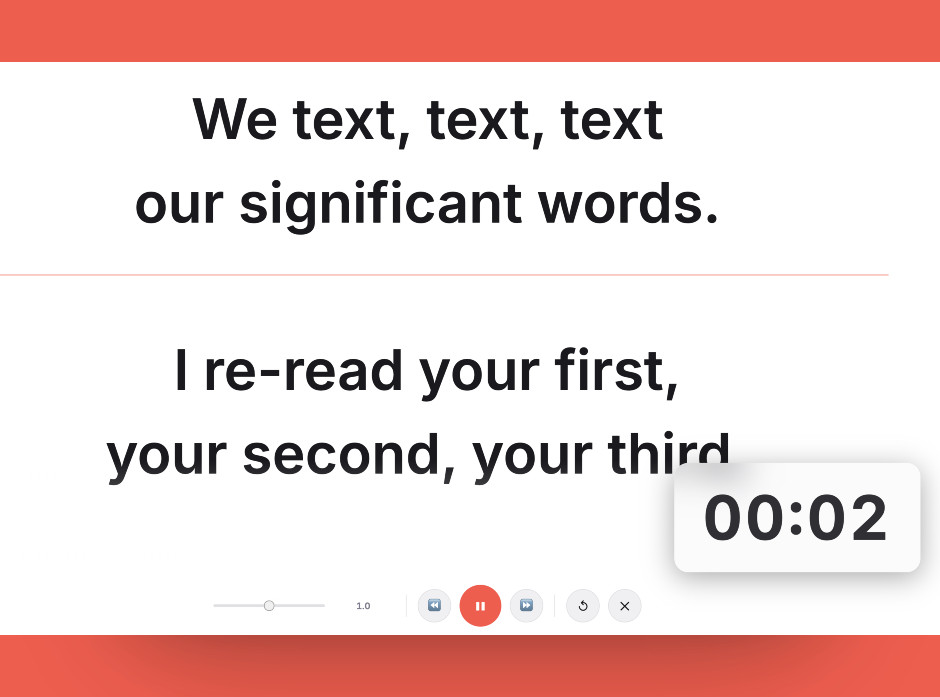
Set the script layout once, then mark the seated and standing positions so both are repeatable in seconds.
Setting it up
- Specify the arm for the load
Check your display's weight against the arm's rated capacity and leave margin. An arm at its limit holds position for a while and then slowly creeps.
- Mount the camera to move with the screen
Fix the camera to the display or the same arm. If the camera stays on the desk while the screen rises, the geometry breaks every time you stand.
- Set and mark a seated position
Get the seated setup right first — camera at eye height, script directly below it — then mark the arm position so you can return to it.
- Set and mark a standing position
Raise the desk, repeat the process, and mark it too. Two known-good presets are what make this practical day to day.
- Check for wobble at standing height
Tap the desk at full height and watch the camera. Many standing desks are noticeably less rigid when raised, and that movement is visible in the footage.
Common mistakes
The desk surface and your eye height move independently. A desk-mounted camera points somewhere different every time you change posture.
An arm running at its weight limit sags gradually. Your framing is fine at the start of a session and wrong by the end of it.
Without markings, every posture change means re-aiming from scratch, and the setup gets abandoned in favour of recording from wherever the desk happens to be.
Frequently asked questions
Can I use a teleprompter at a standing desk?
Should the camera be on the desk or the monitor arm?
What should I look for in a monitor arm?
How do I avoid resetting everything each time I stand up?
Does desk wobble affect recording?
Test the workflow before buying more gear
Open the ScriptScroller browser teleprompter, put it where your script would actually sit, and find out which of these problems you really have.
Open Teleprompter