Quick answer
| Works on | MacBook Air, MacBook Pro, iMac, Mac mini and Mac Studio, in Safari, Chrome or Arc |
| Cost | Free. No App Store purchase, no account, no watermark |
| What matters most | Putting the script directly under the camera (just below the notch on newer MacBooks) |
| Records video? | Use QuickTime Player, Photo Booth, Zoom or OBS. The teleprompter runs alongside them |
Open the free online teleprompter
Paste your script and press play. No download, no signup.
Start teleprompterWhat to know first
Mac teleprompter apps on the App Store tend to come with subscriptions or watermarks. A browser teleprompter does the same job in Safari or Chrome for free, and it behaves the same on every Mac you own.
On a MacBook the camera sits in the middle of the top bezel, inside the notch on recent models. Your script should sit right under it. A prompter running across the full width of a 14-inch or 16-inch display makes your eyes sweep visibly. A narrow column under the notch keeps them almost on the lens.
Desktop Macs add a second option: use your iPhone as the webcam with Continuity Camera, mounted on top of the display, and read the script on the screen right beneath it.
Where it fits and where it doesn’t
Works well for
- FaceTime, Zoom and Google Meet calls on a MacBook
- Recording with QuickTime Player or Photo Booth
- Keynote presentations with talking points
- iMac or Studio Display setups with Continuity Camera
Struggles with
- Shooting on a camera across the room (use a glass rig and mirror mode)
- Very long reads on a 13-inch screen at small font sizes
Checklist
| Browser | Safari or Chrome, kept up to date |
| Camera | Built-in FaceTime camera, Studio Display camera, or iPhone via Continuity Camera |
| Window | Narrow window centred under the camera. Don’t put the script in full screen in its own Space |
| Second display | Sidecar can put the script on an iPad, but only helps if the iPad sits next to the lens |
| Mirror mode | Turn it on only for a beam-splitter glass rig. Leave it off for on-screen reading |
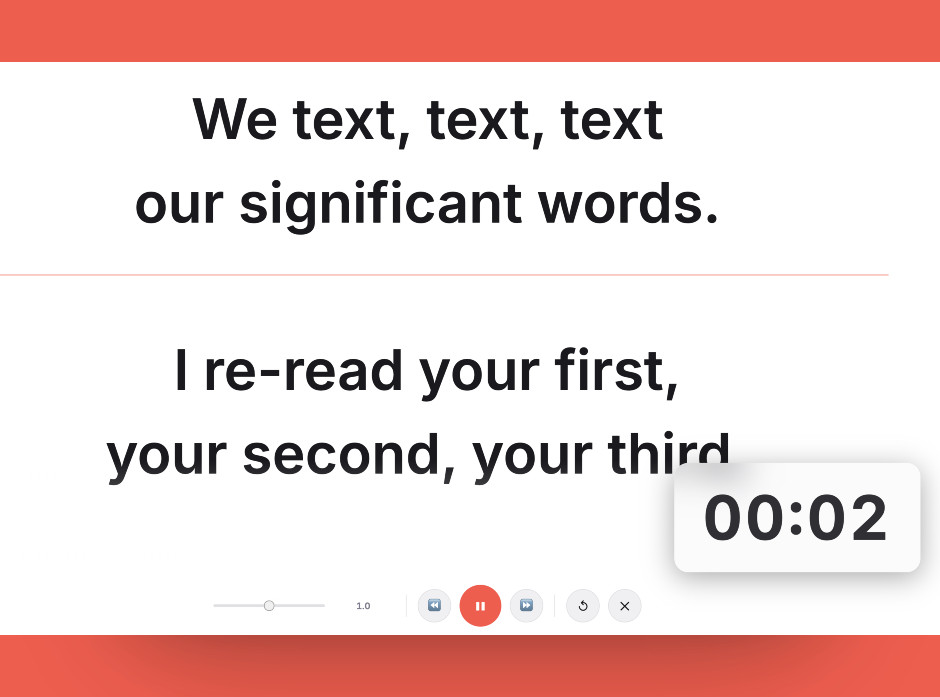
Keep the script in a narrow window right under the camera. That’s the single biggest factor in looking natural.
Setting it up
- Open ScriptScroller in Safari or Chrome
Paste your script or upload a .txt or .docx file. There’s no install and no account.
- Size the window under the camera
Drag the window to the top-centre of the screen and make it narrow. On a MacBook, the first line should sit just below the notch.
- Keep the call or recorder visible
Use Split View (hover over the green window button) or Stage Manager to keep QuickTime or Zoom beside the script. Avoid full-screen Spaces, which hide one app behind the other.
- Set speed and size
Space pauses and resumes. The up and down arrows change speed. Left and right jump back or forward. Esc leaves the prompter.
- Record a test with QuickTime
File › New Movie Recording, read a paragraph and watch your eyes. If you can see them tracking, narrow the window or move it closer to the camera.
Common mistakes
That moves the script into its own Space, and your call or recorder disappears behind it. Resize the window instead.
On a MacBook, the further the text is from the notch, the more you look like you are reading. Keep the reading line at the top.
Retina text looks sharp at small sizes, but you sit too far away to read it quickly. Go larger than feels necessary.
Frequently asked questions
Is there a free teleprompter for Mac?
How do I use a teleprompter on a MacBook without looking away?
Can I record video on a Mac while using a teleprompter?
Can I use my iPhone as the camera with a teleprompter on my Mac?
Does the teleprompter work on an iPad as a second Mac screen?
Try it free in your browser
Open ScriptScroller, paste your script, put the window where it will actually sit and do a test take. It takes about a minute.
Open Teleprompter