Quick answer
| Price | Free. No trial period, no time limit, no watermark |
| Signup | Not needed. Optional email only if you want to save scripts across devices |
| Works on | Windows, Mac, Chromebook, iPhone, iPad and Android, in any modern browser |
| Includes | Auto-scroll, speed control, font size, mirror mode, countdown, timer, dark mode and keyboard shortcuts |
Open the free online teleprompter
Paste your script and press play. No download, no signup.
Start teleprompterWhat to know first
Plenty of teleprompters call themselves free and then cap your script length, stamp a watermark on recordings, or ask for a card after a seven-day trial. When you search for a free teleprompter, the first question is which of those catches applies.
ScriptScroller has none of them for the core teleprompter. You can paste a script of any length and scroll it at any speed, flip it for a glass rig, and use it as often as you like without making an account. It runs in the browser, so the same free version works on a laptop, a phone or a tablet on a rig.
This page covers what a free teleprompter needs to do well, the catches to look for in other tools, and how to get set up in under a minute.
Where it fits and where it doesn’t
Works well for
- One-off videos, speeches and presentations
- Students, teachers and volunteers on a zero budget
- Testing a teleprompter workflow before buying a rig
- Work laptops where you can’t install apps
Struggles with
- Productions that need a separate operator controlling scroll from another device
- Workflows that require offline use with no internet at all
Checklist
| Script length limit | None here. Some free tools cap characters or minutes |
| Watermark | None. The teleprompter doesn’t record your video, so nothing gets stamped |
| Account wall | None for the teleprompter. Some tools require login before the first scroll |
| Trial expiry | None. Watch for “free” tools that turn into a 7-day trial |
| Mirror mode | Included, for beam-splitter glass rigs |
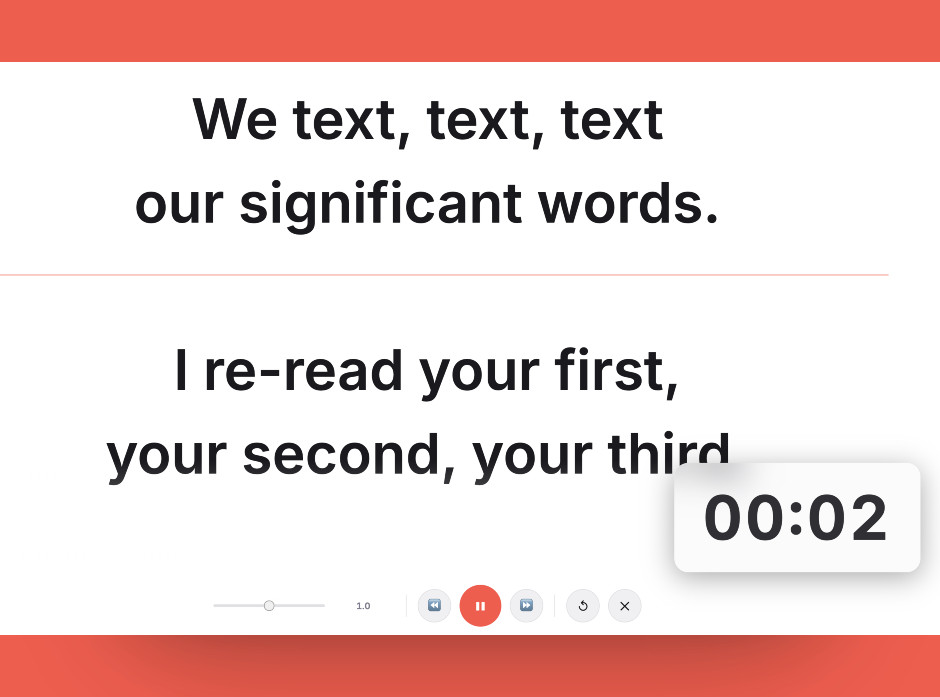
Keep the script in a narrow window right under the camera. That’s the single biggest factor in looking natural.
Setting it up
- Open scriptscroller.com
It works on any device with a modern browser. There’s nothing to install.
- Paste or upload your script
Paste text, upload a .txt or .docx file, or start from one of the free templates in the script library.
- Pick speed, size and options
Set the scroll speed and font size, and turn on mirror mode, the countdown or the timer if you need them.
- Start reading
Space pauses and resumes. The up and down arrows change speed. Left and right jump back or forward.
- Save or share if you want
Saving is optional. You can create a link to reopen the script on another device without making a full account.
Common mistakes
Check script length, watermark and trial terms before you rely on a tool for something important.
Read a paragraph aloud first and match the scroll to your natural pace. It’s easier to speed up than to catch up.
Larger text and a narrower column look far more natural on camera.
Frequently asked questions
Is ScriptScroller really free?
What is the best free teleprompter?
Do I need to sign up to use the free teleprompter?
Does the free teleprompter add a watermark?
Is there a free teleprompter for iPhone and Android?
Try it free in your browser
Open ScriptScroller, paste your script, put the window where it will actually sit and do a test take. It takes about a minute.
Open Teleprompter